










Bambu Lab A1 Combo vs A2L Combo vs P2S Combo: Which Multi-Color Bambu Should You Buy?

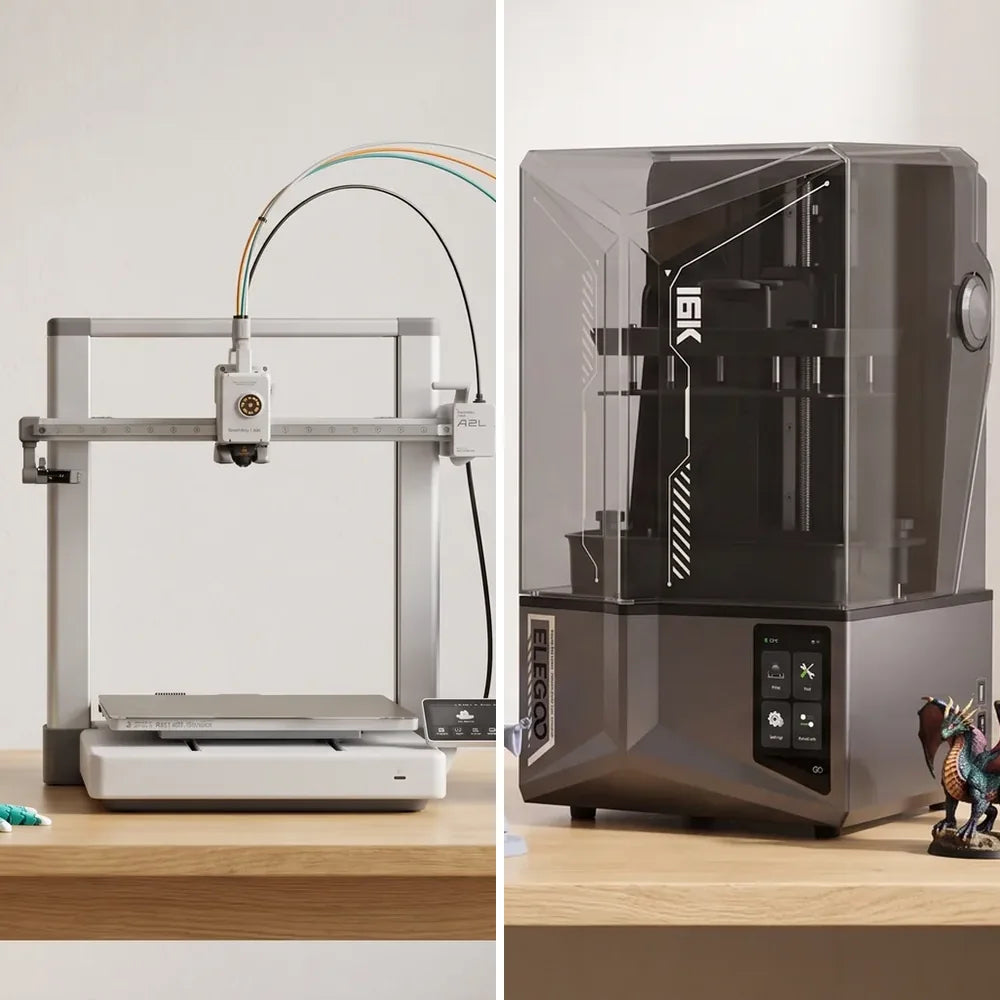
Bambu Lab now sells three multi-color printers under $1,200, and they are all excellent. The A1 Combo is the open-frame favorite at $649, the new A2L Combo is the same idea with a much bigger bed at $749, and the P2S Combo is the fully enclosed engineering machine at $1,199. So which one deserves your money?
We sell and use all three daily at our showroom in Lebanon. Here's an honest, real-world comparison to help you decide.
Quick Recommendation
- Printing PLA and PETG, normal-sized models, tight budget: A1 Combo.
- Same materials but you keep hitting the edge of the bed: A2L Combo. The extra $100 buys more than double the build volume.
- ABS, ASA, Nylon, carbon fiber, or a print farm: P2S Combo. The enclosure is the feature, not the price.
Quick Specs Comparison
| Feature | A1 Combo ($649) | A2L Combo ($749) | P2S Combo ($1,199) |
|---|---|---|---|
| Build Volume | 256 × 256 × 256 mm | 330 × 320 × 325 mm | 256 × 256 × 256 mm |
| Frame | Open-frame (bed-slinger) | Open-frame (bed-slinger) | Fully enclosed (CoreXY) |
| Max Speed | 500 mm/s | 500 mm/s | 600 mm/s |
| Max Nozzle Temp | 300°C | 300°C | 300°C |
| Max Bed Temp | 100°C | 80°C | 110°C |
| Enclosed Chamber | ❌ No | ❌ No | ✅ Yes, heat-retaining |
| Air Filtration | ❌ No | ❌ No | ✅ Activated carbon + particulate |
| Nozzle | Stainless steel, quick-swap | Stainless steel, quick-swap | Hardened steel |
| Supported Filaments | PLA, PETG, TPU, PVA | PLA, PETG, TPU, PVA, PLA-CF, PETG-CF | Everything, incl. ABS, ASA, PC, PA, CF/GF composites |
| Multi-Color System | AMS Lite (4 colors) | AMS Lite (4 colors) | AMS 2 Pro (4 colors, expandable to 16) |
| Filament Drying | ❌ No | ❌ No | ✅ Built into the AMS 2 Pro |
| AI Error Detection | ❌ No | ❌ No | ✅ Built-in AI chip |
| Camera | Low frame rate 1080p | Low frame rate 1080p | 1080p 30fps HD |
| Footprint (without AMS) | 465 × 410 × 430 mm | 544 × 529 × 505 mm | 382 × 406 × 478 mm |
| Weight | 8.3 kg | Heavier than the A1 (bigger frame) | 14.9 kg |
| Price at Cube 3D | $649 | $749 | $1,199 |
The Key Difference: Open vs Enclosed
This is the single biggest distinction, and it affects everything from material compatibility to print consistency.
The A1 Combo and A2L Combo are open-frame. There's no enclosure around the print area. This is perfectly fine for PLA, PETG and TPU, which is what most makers print. Open frames are easier to access mid-print, run cooler, and cool the part well for detailed overhangs. Both are quiet enough for a home office or a shared room.
The P2S Combo is fully enclosed. The chamber holds heat and the activated carbon filter cleans the air, which is what engineering filaments like ABS, ASA, PC, Nylon (PA) and carbon-fiber composites need. Without an enclosure these materials warp, crack or delaminate. If you plan to print anything beyond PLA, PETG and TPU, the enclosure isn't a luxury, it's a requirement.
The A2L Difference: Size
The A2L Combo is, in short, an A1 with a much bigger bed. At 330 × 320 × 325 mm it has over 100% more build volume than the A1 or the P2S, so helmets, large cosplay parts, full-size vases, organizers and multi-part models that used to be split into pieces now print in one go. It keeps the things people love about the A1: auto calibration, 500 mm/s speed, the quick-swap stainless steel nozzle and a built-in filament cutter for cleaner color changes.
Two things to know before you choose it over the A1. First, it needs room: the frame is about 54 × 53 cm and the bed travels forward when printing, so plan for a deeper shelf. Second, the bed tops out at 80°C instead of 100°C, which is irrelevant for PLA and PETG but rules out any attempt at ABS (which you shouldn't do on an open printer anyway).
The A2L Combo also officially supports PLA-CF and PETG-CF, which the A1 does not. Just remember that carbon-fiber filaments wear a stainless steel nozzle faster, so pick up a hardened steel nozzle if you plan to print them regularly.
Multi-Color: AMS Lite vs AMS 2 Pro
All three printers come with Bambu Lab's automatic material system, but the versions are different:
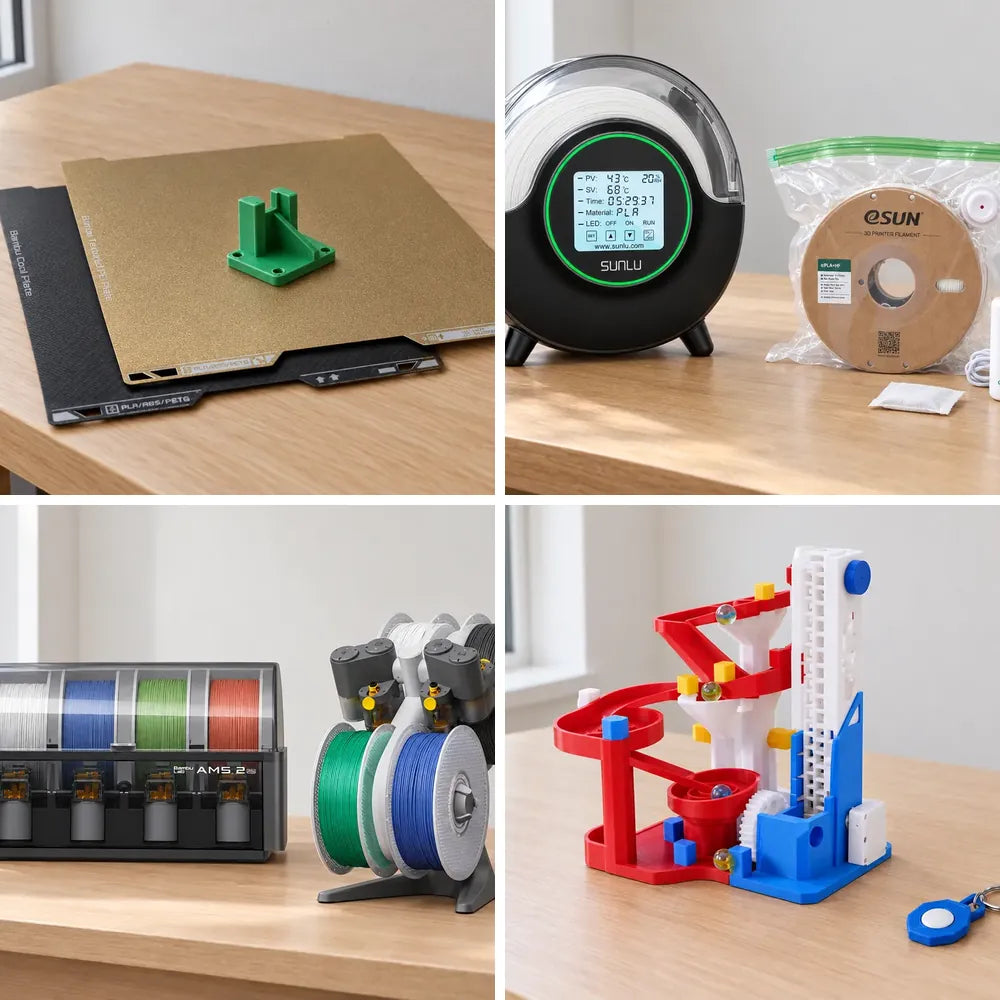
The AMS Lite (included with the A1 Combo and A2L Combo) holds 4 spools and switches between them reliably. It's simple, effective, and great for decorative multi-color prints. It is the tool that unlocks multi-color printing; filament is sold separately.
The AMS 2 Pro (included with the P2S Combo) is a significant upgrade: it adds built-in active filament drying. Moisture is the #1 enemy of print quality, especially for PETG, Nylon and TPU. Integrated drying means your filament stays dry throughout long prints, with no separate dryer needed. It also feeds filament faster and can be chained up to 16 colors.
Extruder & Material Handling
All three use a direct drive extruder, so the motor pushes filament right at the nozzle, which gives better control and handles flexible filaments like TPU well.
The P2S takes it further with an upgraded servo motor that pushes filament with far more force than the A-series. Tougher filaments like carbon-fiber or glass-fiber composites need that push to feed properly. The P2S also ships with a hardened steel nozzle and gears, which abrasive filaments would otherwise wear down. For PLA and PETG, the A1 and A2L hardware is perfectly fine.
Intelligence: AI & Sensors
The P2S has a dedicated AI chip that watches your print in real time and catches spaghetti failures, nozzle build-up and purge jams, and runs safety checks before a print starts. The A1 and A2L don't have this; you check prints yourself or through the camera in the Bambu Handy app.
All three share Bambu's automatic flow calibration, filament runout and tangle detection, and power-loss recovery, so day-to-day reliability is excellent across the range.
Who Should Buy the A1 Combo ($649)?
- You're a beginner or hobbyist getting into 3D printing
- You mostly print with PLA, PETG and TPU
- Your models fit comfortably in a 256 mm cube
- You want multi-color printing at the lowest price
- You need a compact, quiet printer for a shared space

Who Should Buy the A2L Combo ($749)?
- You want the A1 experience with a much bigger bed
- You print helmets, cosplay, large decor, organizers or anything you used to split into parts
- You mostly print PLA, PETG and TPU, with the option of PLA-CF and PETG-CF
- You have the desk space for a 54 × 53 cm frame plus the AMS Lite
- You'd rather spend $100 more now than outgrow your printer in six months
→ View the Bambu Lab A2L Combo

Who Should Buy the P2S Combo ($1,199)?
- You need to print ABS, ASA, PC, Nylon or carbon-fiber filaments
- You want built-in filament drying for consistent long prints
- You're building functional parts, prototypes or production pieces
- You want AI error detection to catch failures automatically
- You plan to run a print farm or print commercially
- You need air filtration for safe indoor printing of engineering materials
→ View the Bambu Lab P2S Combo

Our Honest Recommendation
If you're printing PLA and PETG, which is what most makers use, the choice is between the A1 Combo and the A2L Combo, and it comes down to one question: how big are your prints? If you've never wished for a bigger bed, save the $100 and take the A1. If you have, the A2L is the better buy, and it's the printer we now recommend most often to makers who already know they'll print large.
If you know you'll be printing engineering materials, or you're running a print farm where filament drying and AI monitoring save real time and money, the P2S Combo justifies its premium. The enclosure, AMS 2 Pro drying and hardened steel extruder aren't features you can easily add later. Need the P2S materials and a bigger bed? That's the X2D Combo, one step up the range.
Important: Whichever printer you choose, buy the Combo version. Adding the AMS separately later costs significantly more than the Combo upgrade price. Get it bundled and save. Then grab thousands of free ready-to-print models from MakerWorld and start printing on day one.
Buy From Lebanon's Authorized Bambu Lab Dealer
All three printers come with 1-year warranty, spare parts in stock, and lifetime WhatsApp support when you buy from Cube 3D, Lebanon's only authorized Bambu Lab dealer. Visit our showroom in Mansourieh to see them printing side by side, or WhatsApp us for personalized advice.
Browse all our Bambu Lab 3D printers, read the H2S vs H2D vs H2C guide if you're shopping above $1,500, or start with our beginner's buying guide.